
Dictate your notes: hold, speak, release
A microphone now floats in the note2it editor. Hold it, say what you're thinking, and the words land as text exactly where your cursor was — in any block, powered by the same AI that transcribes your meetings.
Some sentences don't survive typing. You're reading a printout with one hand, the thought is already complete, and by the time you've clicked into the right block and started typing, half of it is gone. Speaking is simply faster than typing for a first draft — most people talk at three times their typing speed.
So the editor grew a microphone. It floats quietly in the corner of every page you can edit. Hold it down, speak, let go — and the transcript appears at your cursor, as ordinary text in the block you were writing.
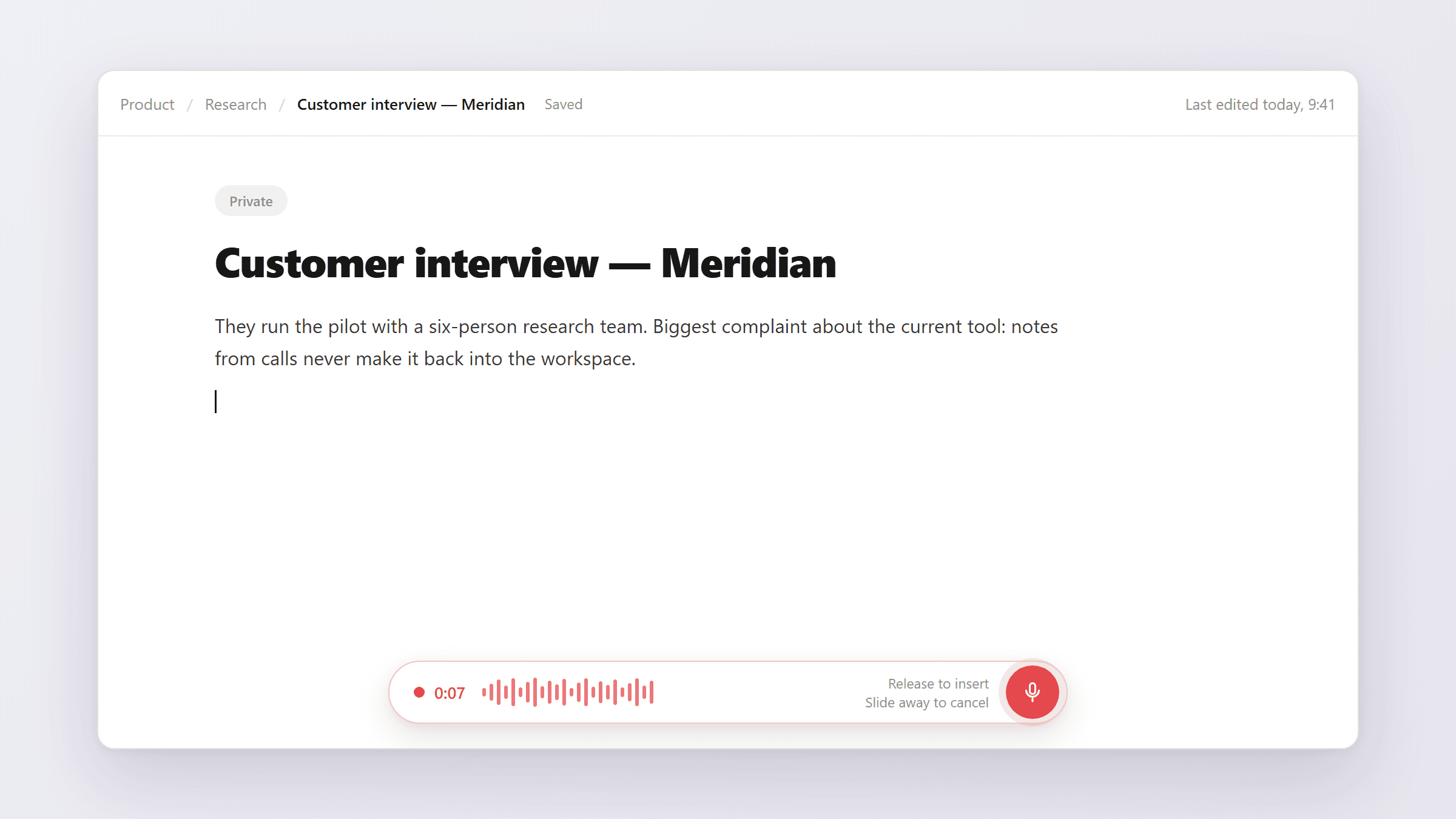
Hold to record, release to insert
The gesture is the one your thumb already knows from voice messages. Press and hold the mic, and a recording pill opens with a timer and a live level meter, so you can see it's hearing you. Release, and the clip is transcribed and inserted where your caret was — the editor never loses your place, even though you pressed a button outside the page.
Changed your mind mid-sentence? Slide your finger away from the button before letting go, or press Escape, and the clip is discarded — nothing is sent, nothing is inserted. Accidental taps shorter than half a second are ignored entirely, and each clip can run up to a full minute; the recorder stops and transcribes on its own if you hit the cap.
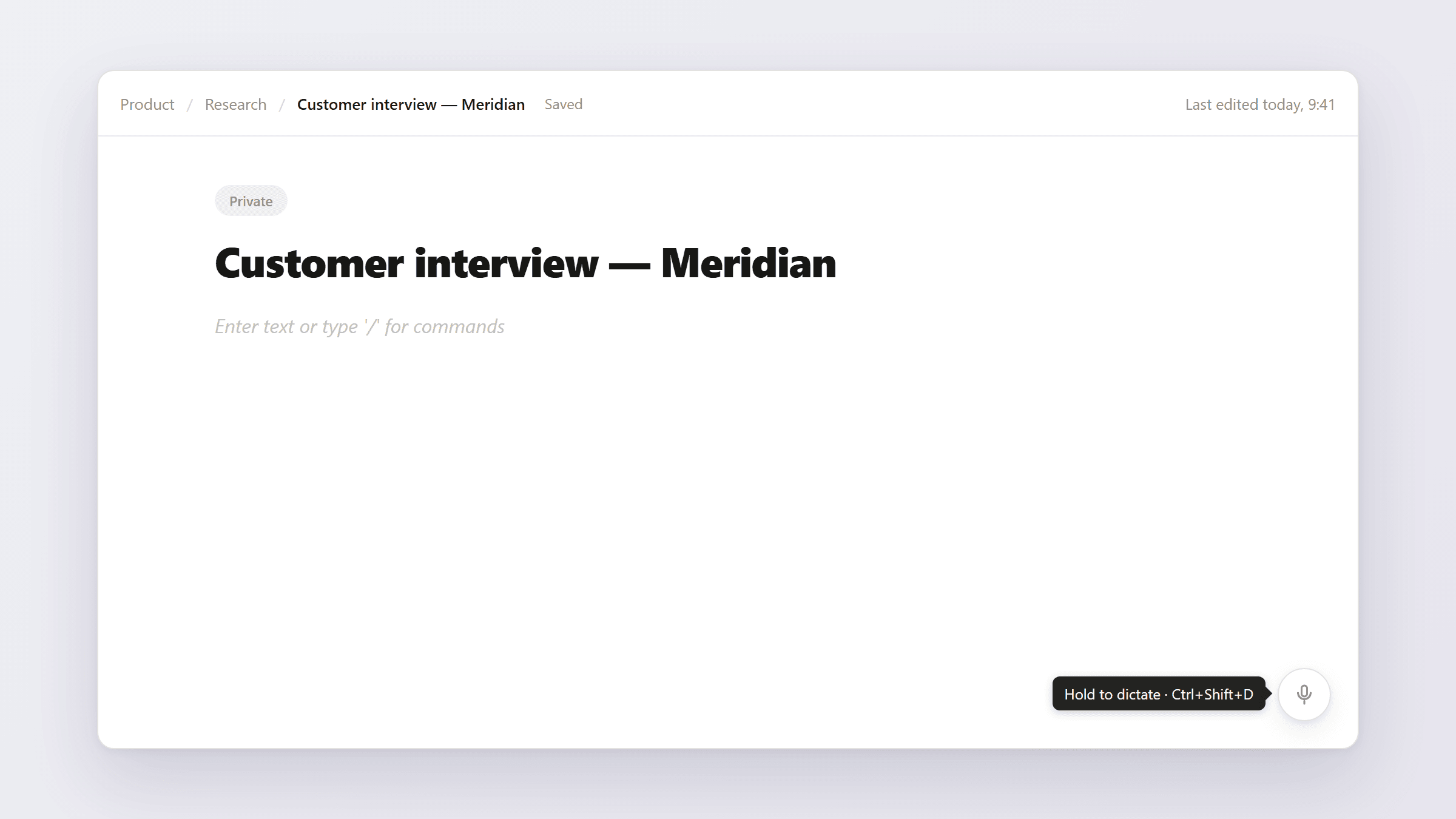
It works wherever you write
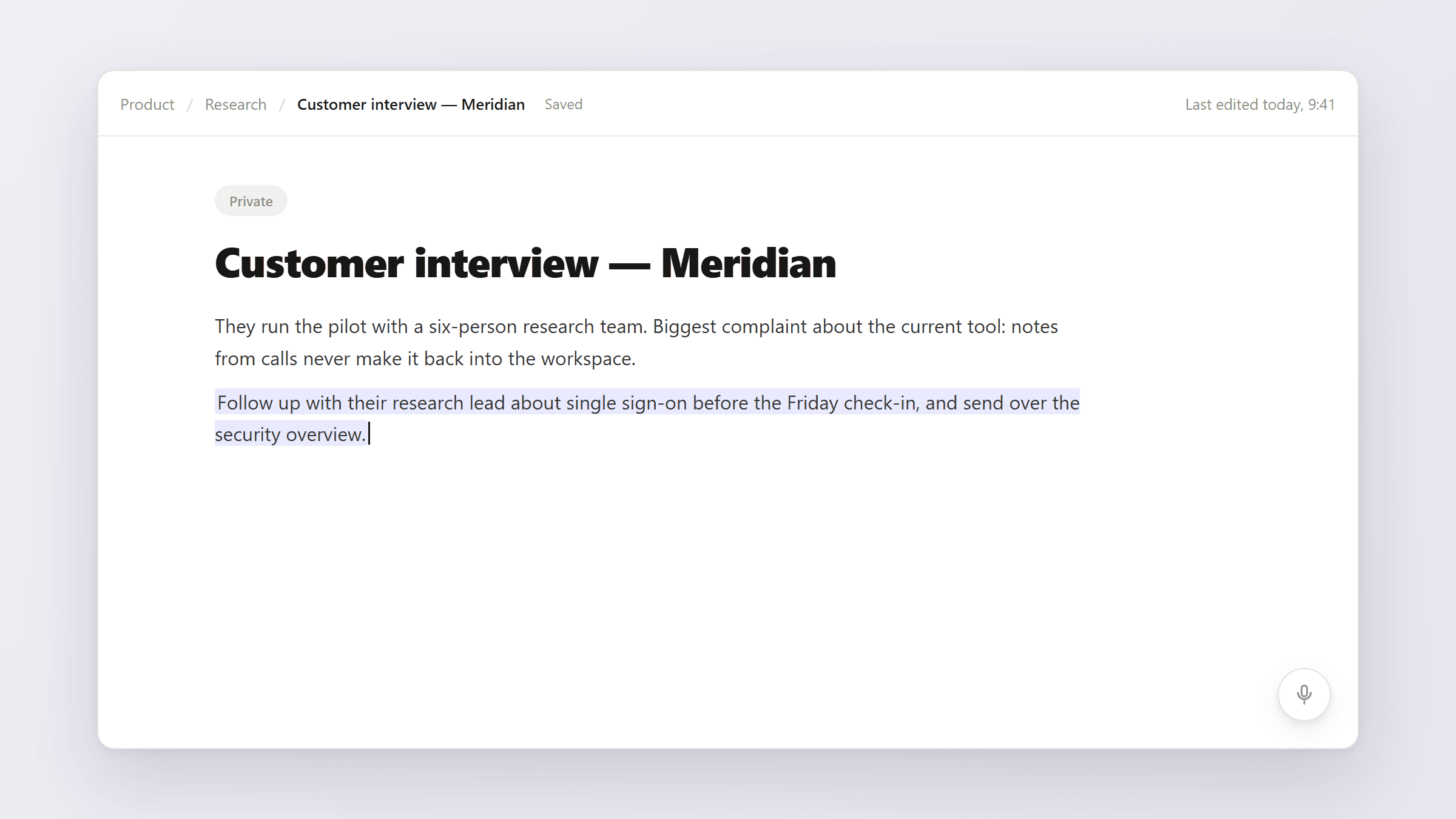
Dictation isn't a special block type. The words arrive as plain text at your cursor — inside a paragraph, a heading, a bullet, a checklist item, wherever you were writing. That means the result behaves like text you typed: the same undo, the same autosave, the same everything. There is nothing new to learn after the first hold.
While the clip is being transcribed — usually a second or two — a small indicator sits in the corner and you can keep working. The text lands where the cursor was when you recorded, not where it wandered afterwards.
Keyboard-friendly, and nothing is kept
Press-and-hold is a pointer gesture, so it has a first-class keyboard equivalent: Ctrl+Shift+D starts a recording and stops it, and the mic button itself records while you hold the space bar on it. If your microphone is blocked, the button says so and points you to your browser's settings instead of failing silently.
Your voice is not stored. The audio goes to transcription, the text comes back, and the clip is gone — it never touches your media storage. Like every action in note2it, the transcription event itself is recorded in the audit trail, but never the content.
Generous by design
Dictation does not count against your AI meeting allowance. It has its own quota — up to 100 clips a day, every day — included wherever AI Meeting Notes are available in your plan. Dictating your way through a long research session will never eat the allowance you were saving for Thursday's meeting recording.
It's live today. Open any page you own, hold the mic in the corner, and say the sentence before it gets away.